Possible causes
Several issues can produce the same symptom. A technician may need to inspect the unit before confirming the cause.
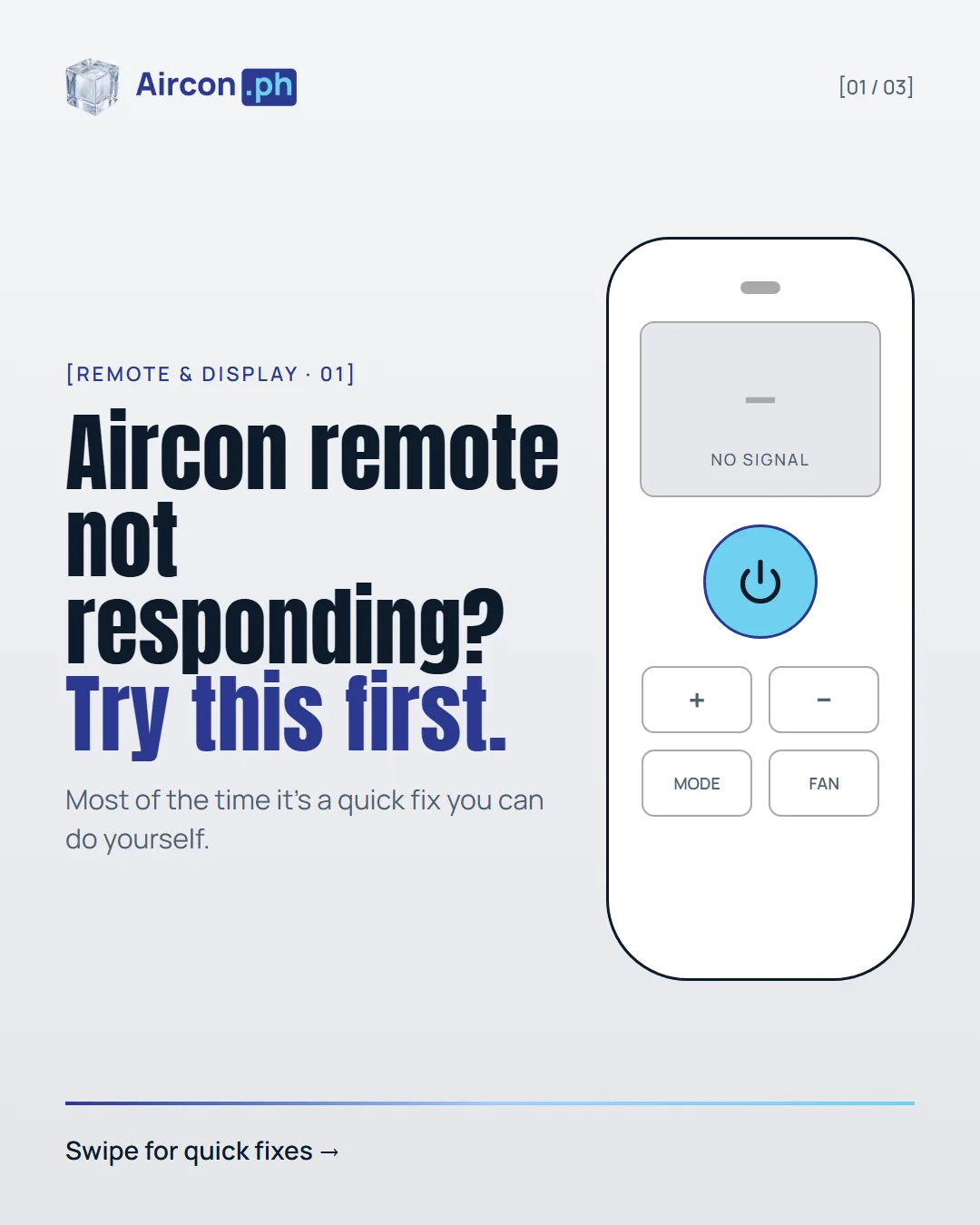
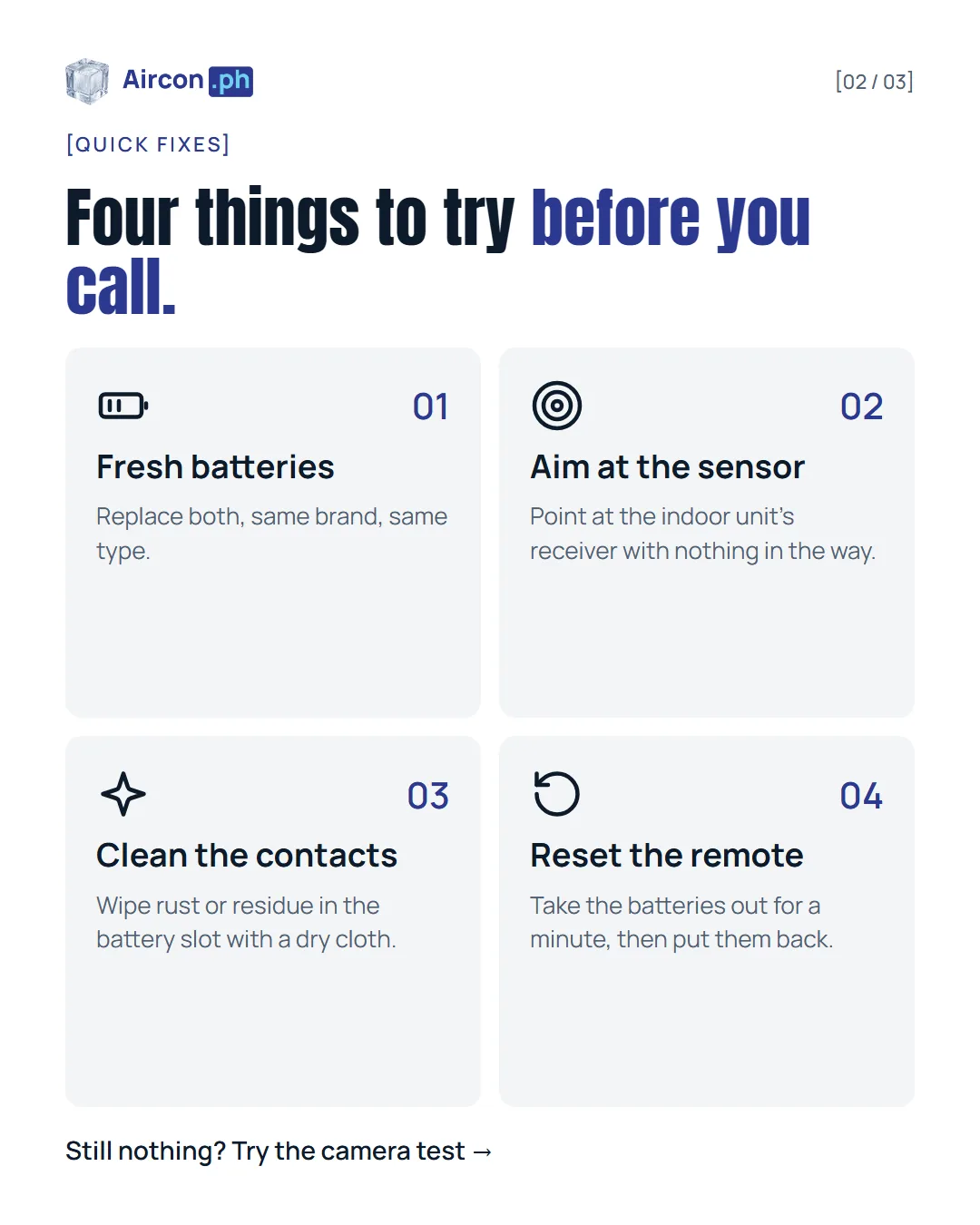
- Remote batteries or sensor — Weak batteries, rust in the battery slot, or something blocking the indoor unit's receiver.
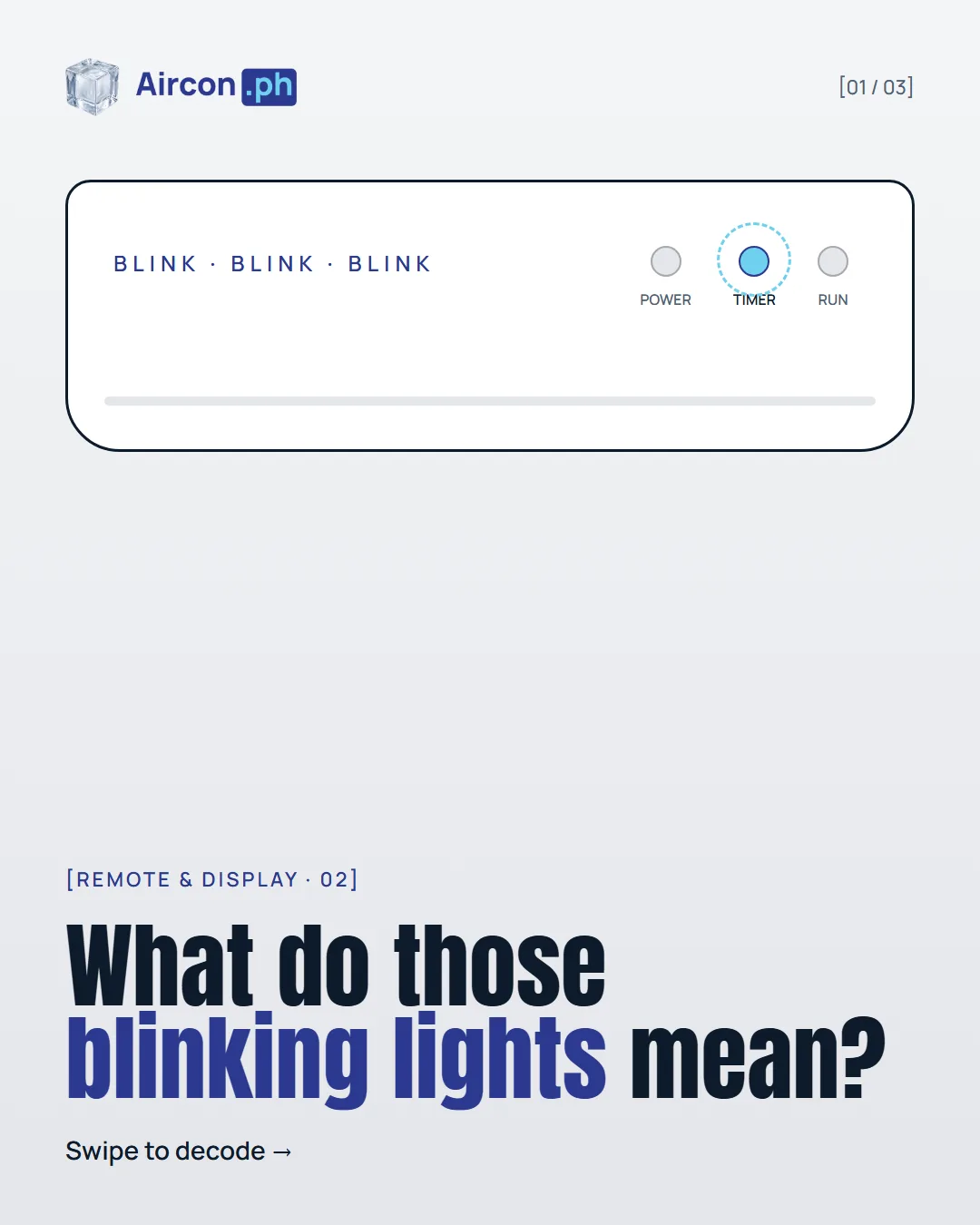
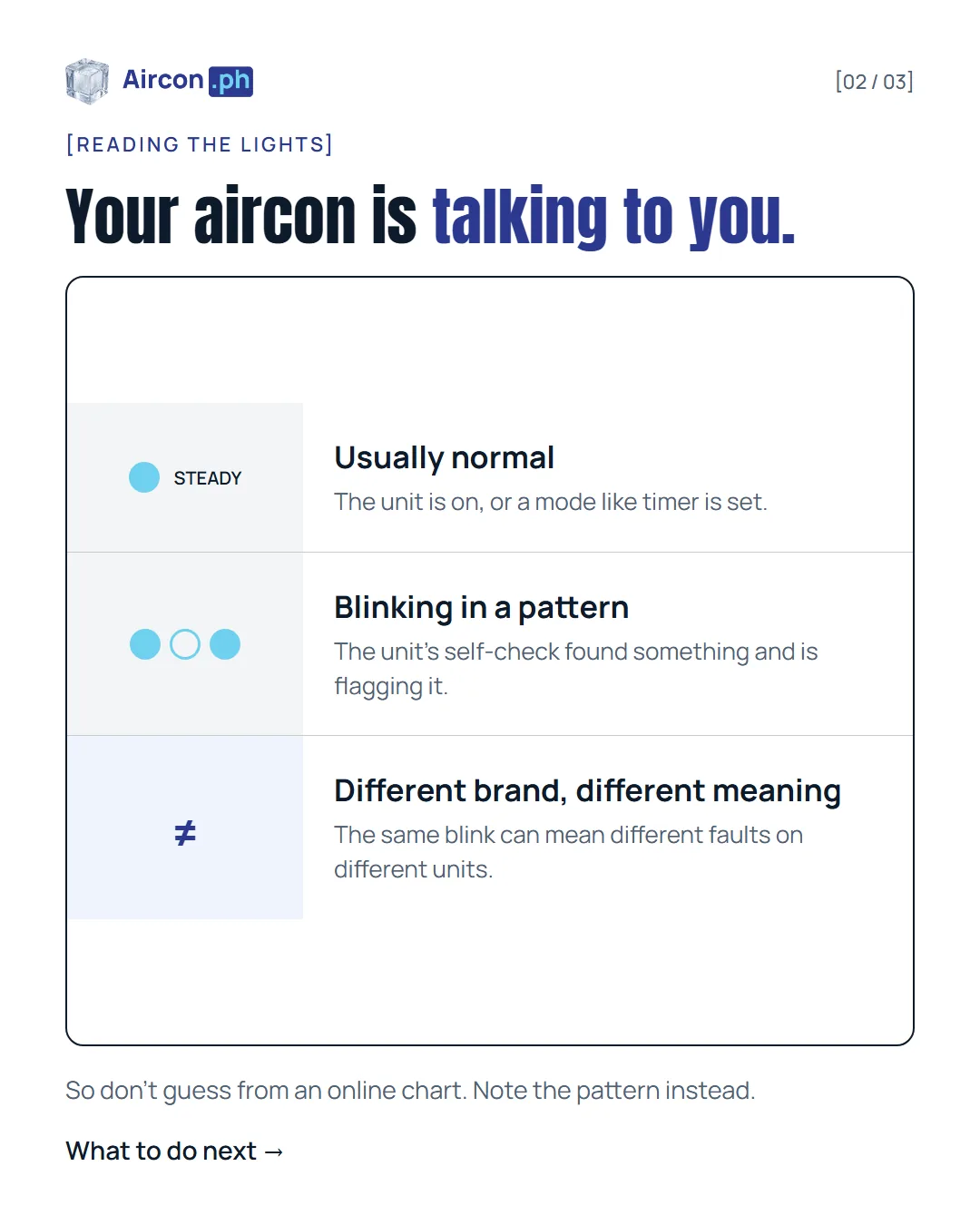
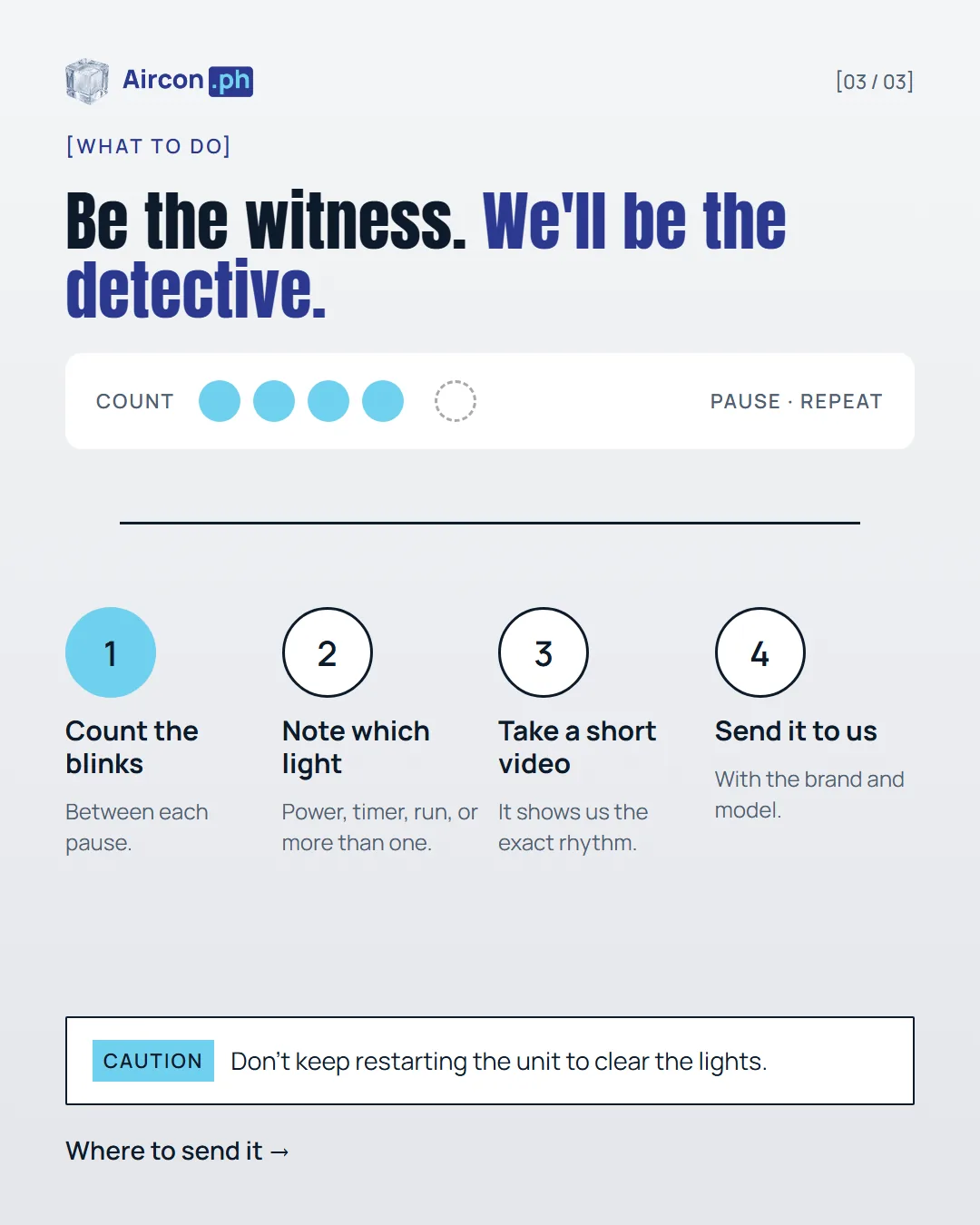
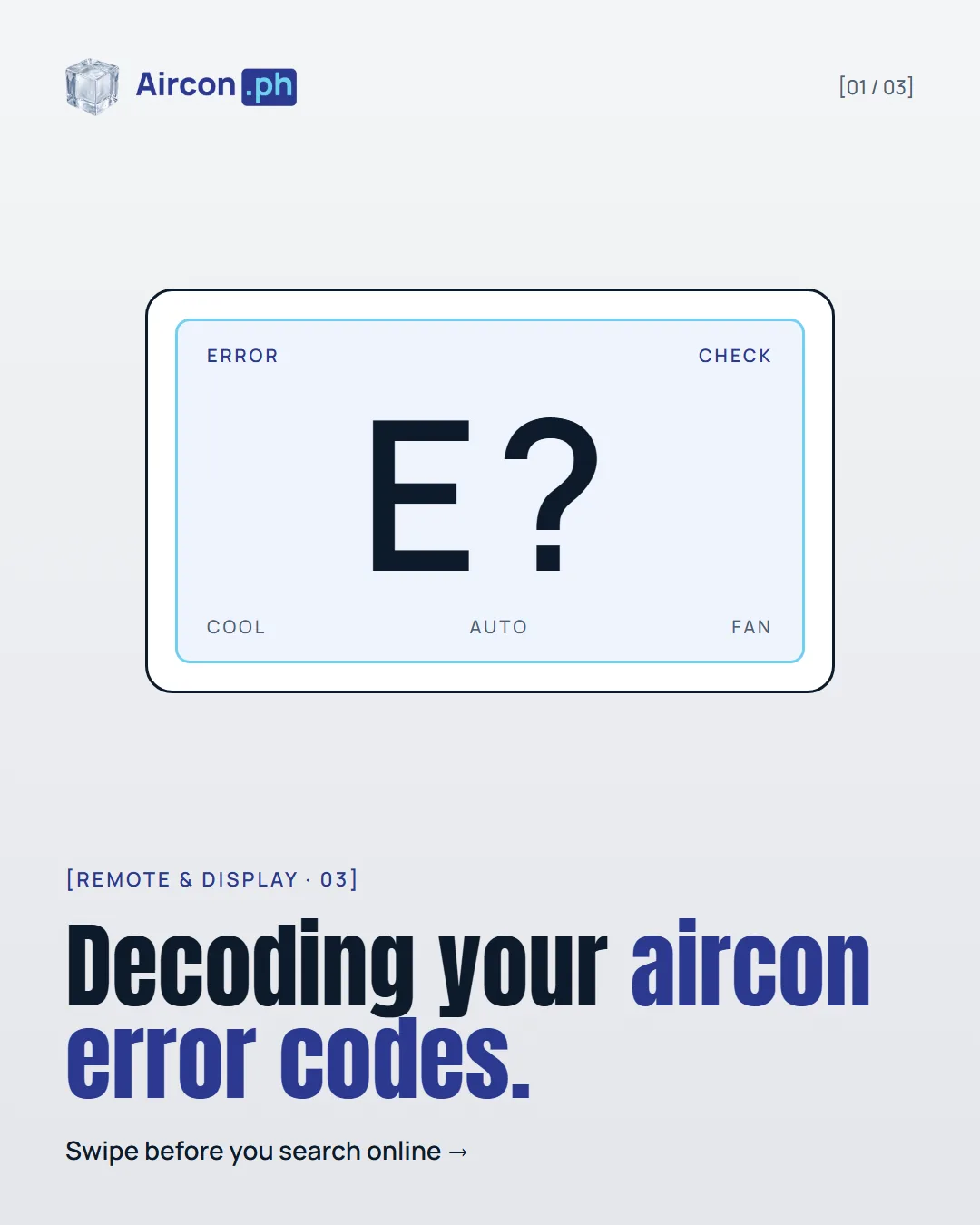
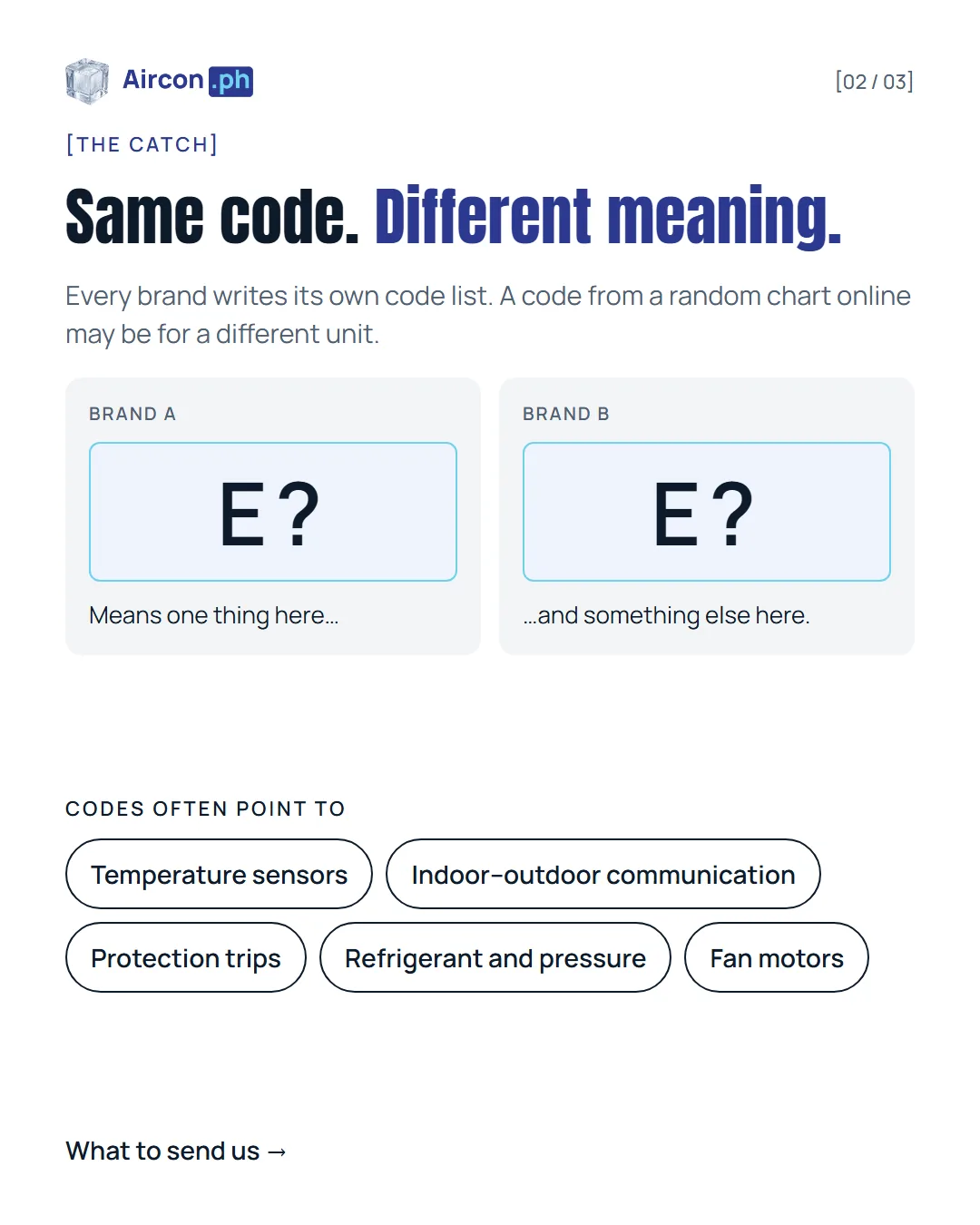
- A self-check fault — A blinking pattern or error code means the unit found something: often a temperature sensor, indoor-outdoor communication, a protection trip, refrigerant pressure or a fan motor.
- Brand-specific codes — Every brand writes its own code list. The same code can mean different faults on different units, so an online chart may be for another unit.
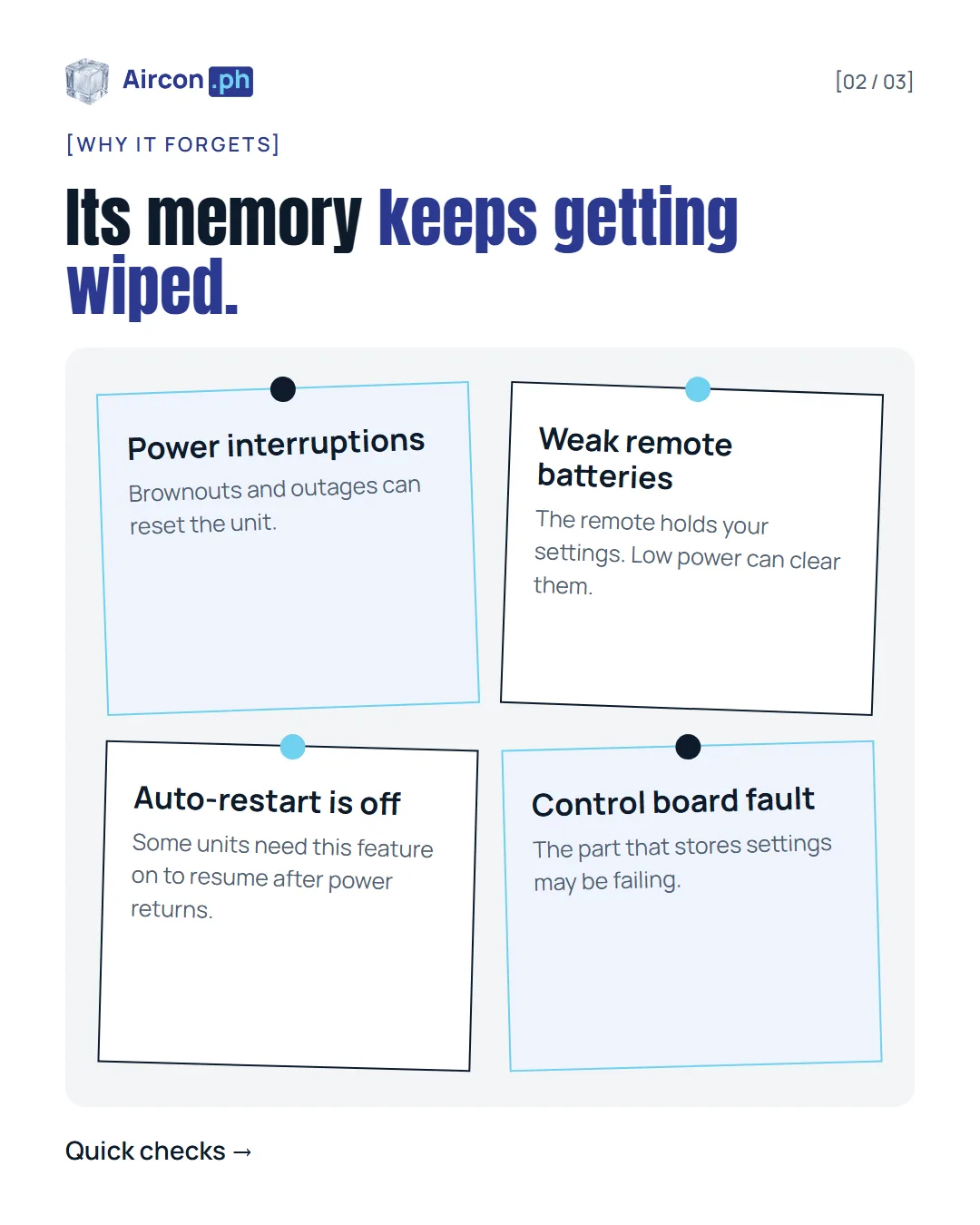
- Settings wiped — Brownouts and outages can reset the unit, auto-restart may be off, or the control board that stores settings may be failing.
Checks you can do safely
Turn the unit off before opening panels or cleaning accessible filters. Stop if the unit shows electrical damage or exposed wiring.
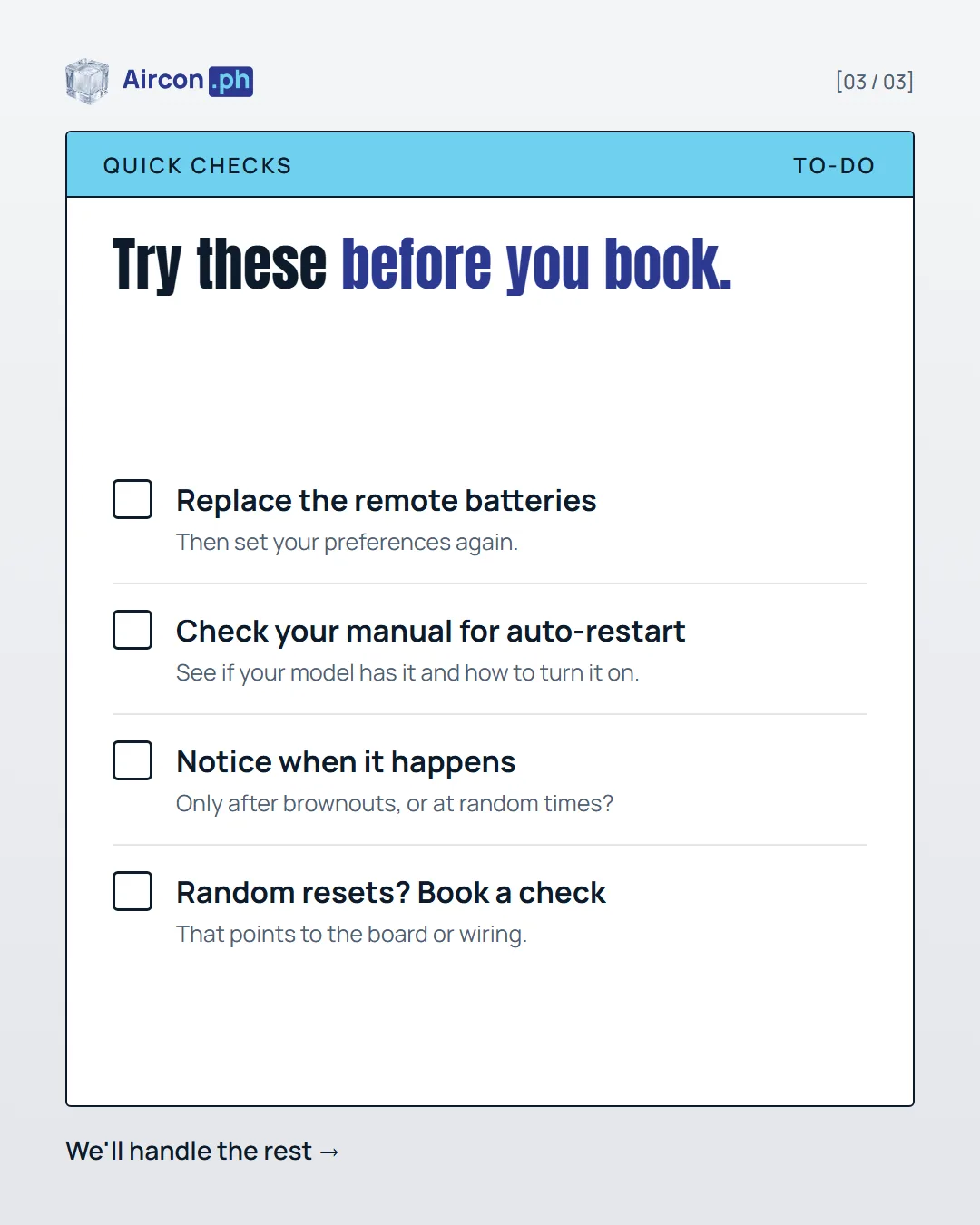
- Fresh batteries, then reset the remote — Replace both batteries with the same brand and type. Take them out for a minute, then put them back, and aim at the indoor unit's receiver.
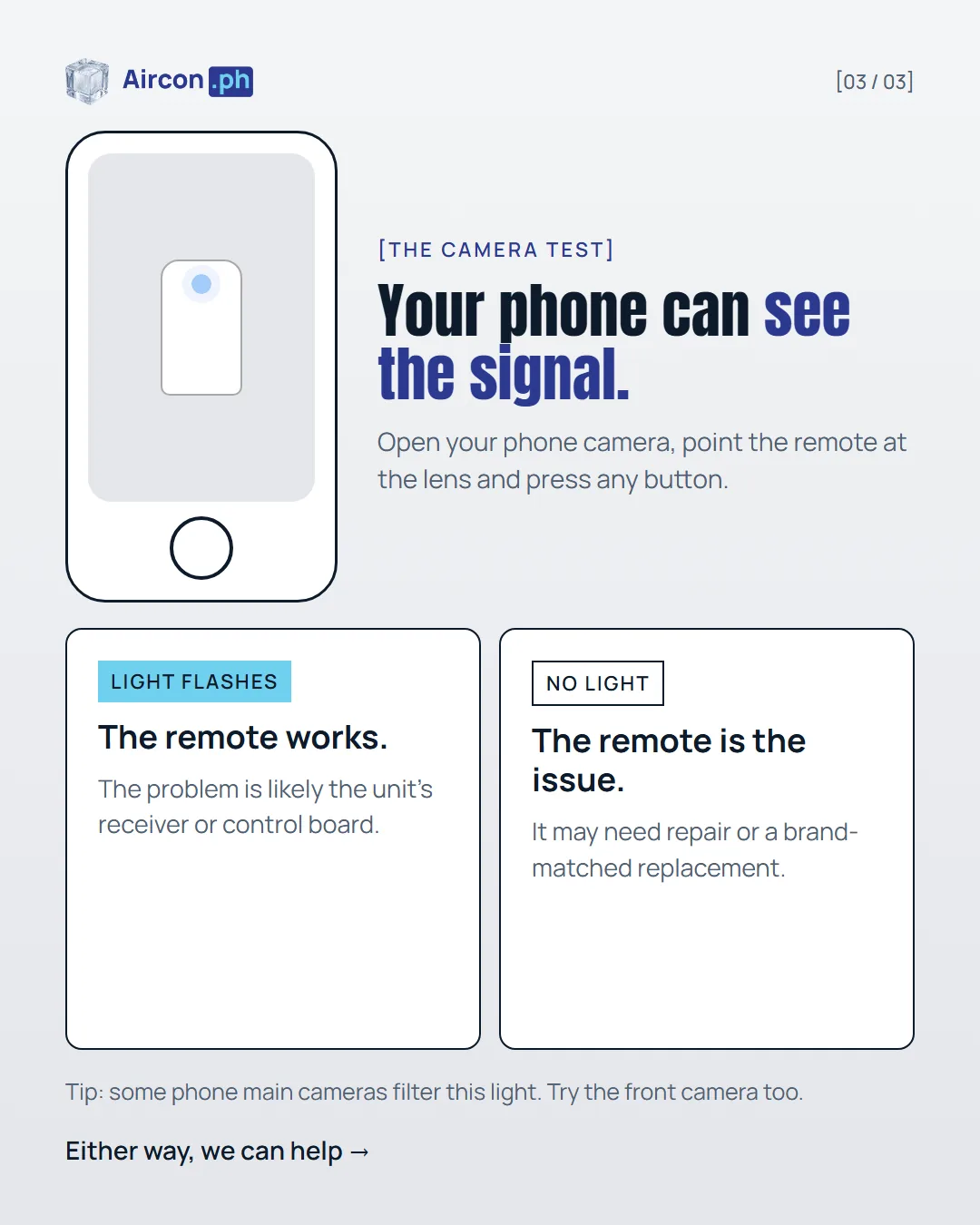
- Try the camera test — Point the remote at your phone camera and press a button. A flash means the remote works and the unit's receiver or board is the likely problem. No light means the remote is the issue. Some main cameras filter this light, so try the front camera too.
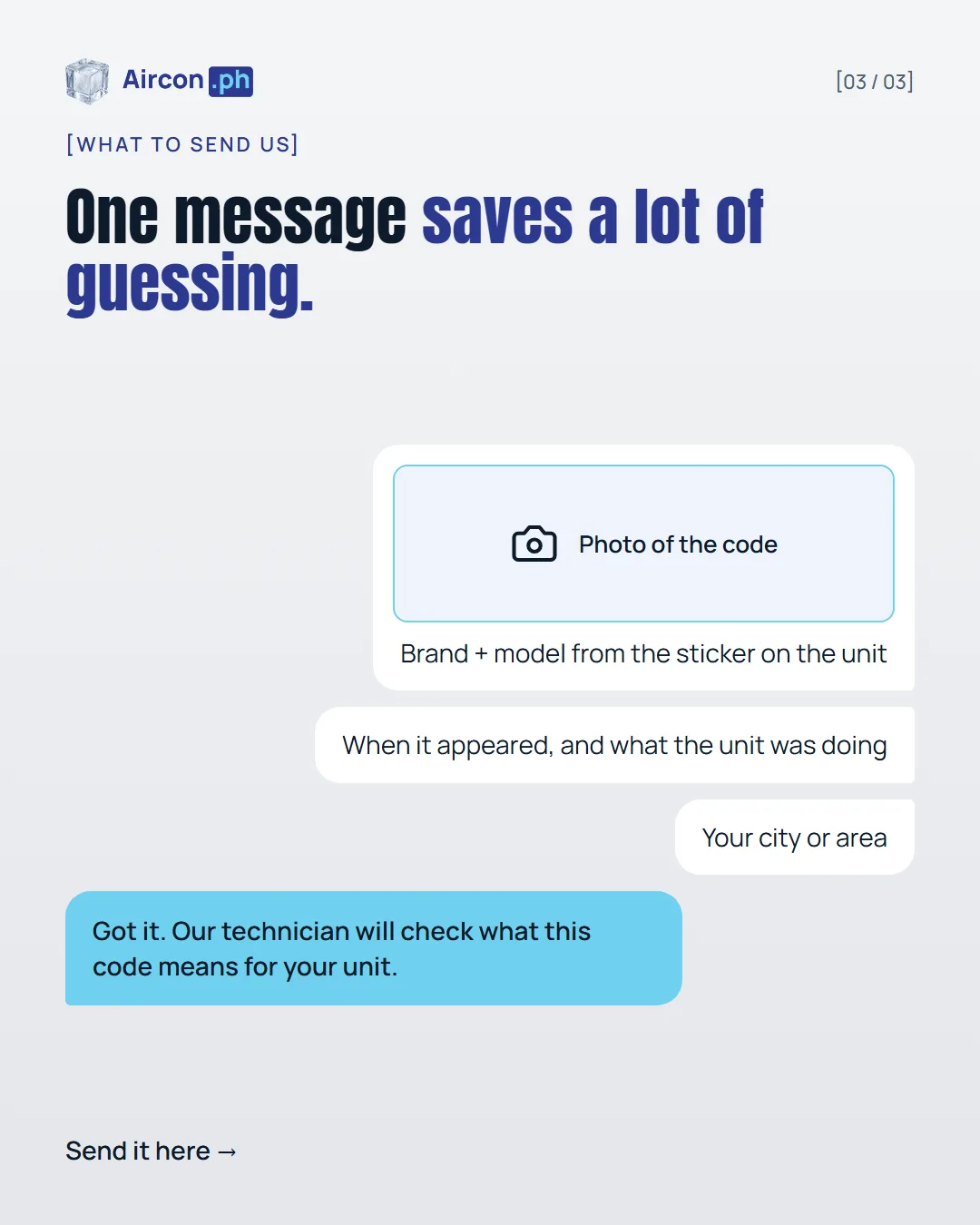
- Record the blinks or the code — Count the blinks between pauses, note which light, and take a short video. Photograph any code with the brand and model sticker. Do not keep restarting the unit to clear it.
- Check auto-restart — If settings reset after brownouts, see in your manual whether your model has auto-restart and how to turn it on.
When to request a technician
Book a diagnostic visit when the issue persists or any of these conditions apply.
- The camera test shows the remote works but the unit does not respond
- A blinking pattern or error code keeps coming back
- Settings reset at random times, not only after brownouts (points to the board or wiring)
What it costs
The technician checks the unit and quotes the repair on site, for you to approve before any work starts.
See the check-up visit price